
Last modified on Sep 23, 2026
Steps to Find Your Access Key
- Sign in to your Vtiger CRM account.
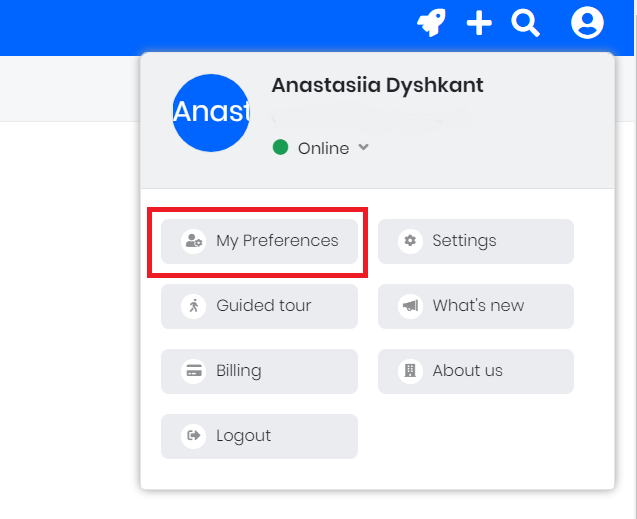
- Click on your profile icon (User Menu) in the top-right corner of the screen.
- Select My Preferences from the dropdown menu.
4. Look under the User Information section to find the Access Key field.

5. Copy the key and store it securely.
(Note: If you need a new one, you can click Change Access Key from the edit or more menu on that page).
Still need help?
Please submit an inquiry on the contact page, email support@syncmatters.com, or reach out to us via chat.